
What you will accomplish
Create a controlled WhatsApp broadcast using an approved template and a consented audience, then read the delivery results.
Before you begin
- WhatsApp connection is healthy.
- At least one template is approved for the connected WABA.
- The audience is consented and reviewed.
- Billing and provider message-charge expectations are understood.
Step 1 - Choose the audience
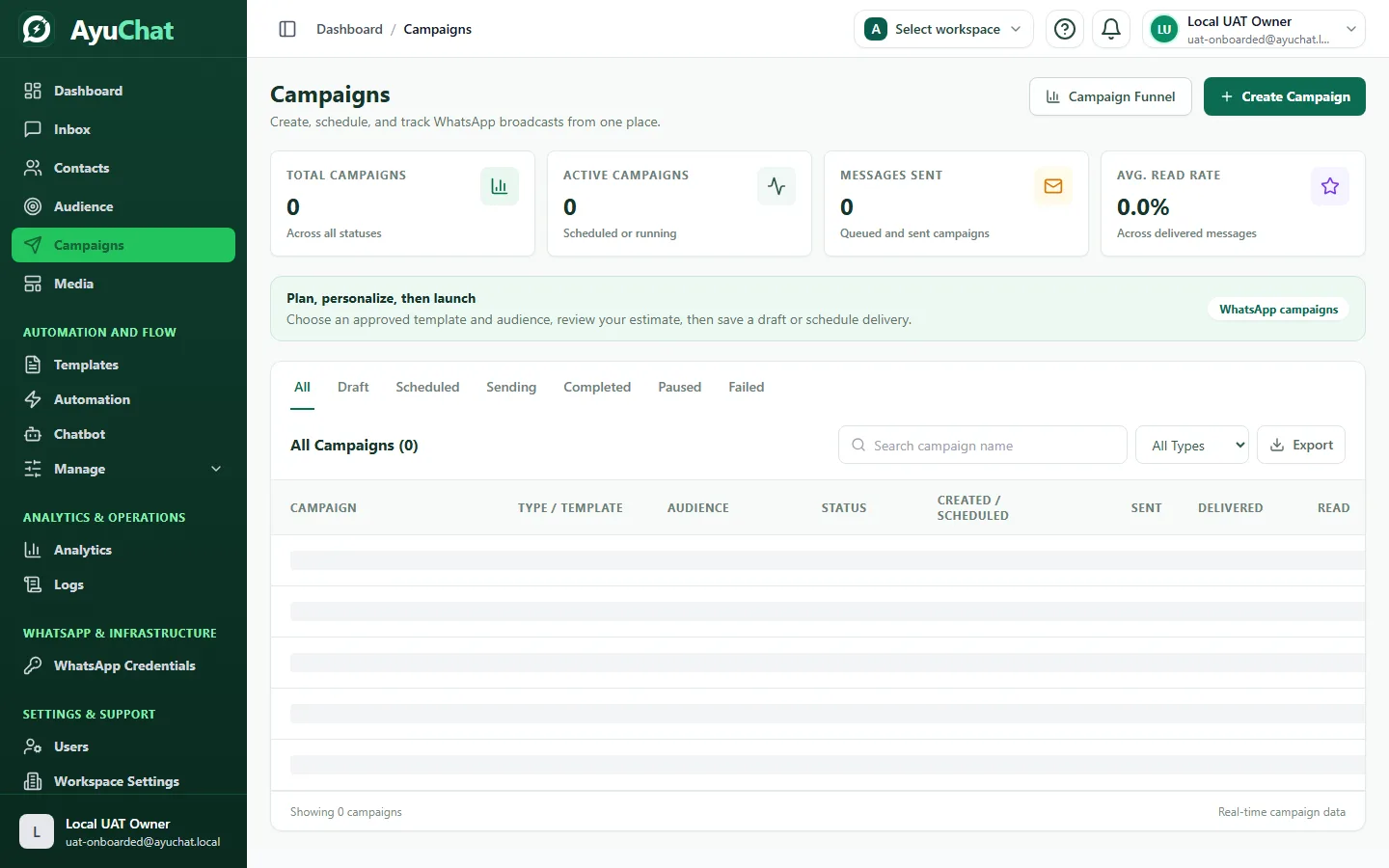
Select the smallest audience that matches the campaign goal. For a first launch, use an internal or tightly controlled segment before sending to a full customer list.
Step 2 - Choose an approved template
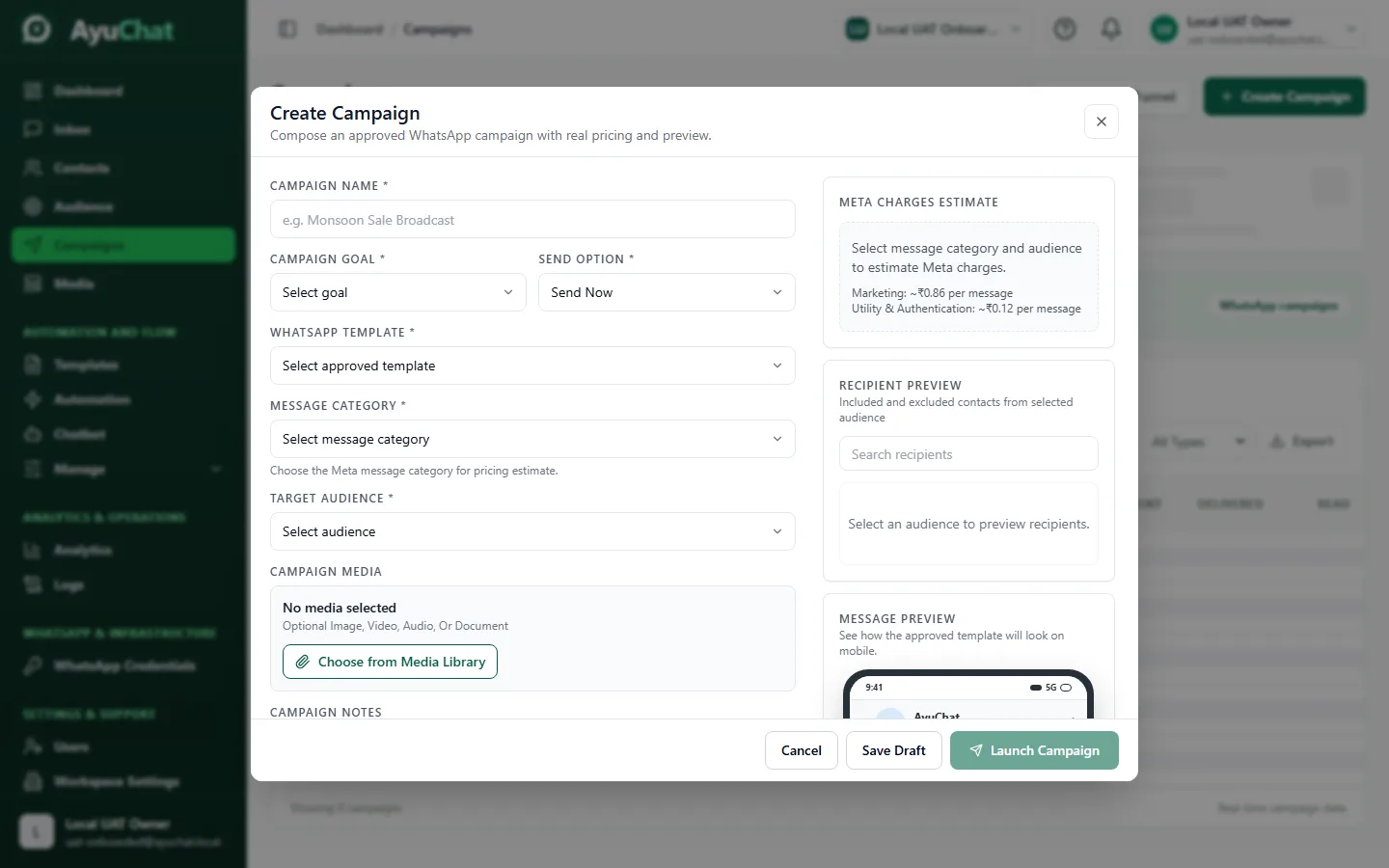
Campaign sending uses approved WhatsApp templates. Fill every variable, use realistic examples, and preview the final message as the customer will receive it.
Step 3 - Review compliance and cost context
Review opt-out handling, message intent, and provider billing. Meta controls WhatsApp Business Platform pricing and policy, so treat any in-product estimate as operational guidance and confirm provider-level billing in Meta when needed.
Step 4 - Schedule or send
Schedule planned campaigns for a business-appropriate time. Use send-now only when the audience and content have already been tested.
Step 5 - Monitor delivery
| Status | Meaning | Action |
|---|---|---|
| Queued | AyuChat accepted the message for processing. | Wait or inspect worker health if stuck. |
| Sent | The provider accepted the send request. | Monitor for delivery and failures. |
| Delivered | Recipient device delivery was reported. | Measure campaign performance. |
| Read | Read receipt is available and reported. | Use with care; read receipts may vary. |
| Failed | Provider or validation failure. | Inspect reason before retrying. |
Common problems
| Problem | Likely fix |
|---|---|
| Template missing | Sync templates and verify it is approved in Meta. |
| Audience count is wrong | Check tags, filters, duplicates, and opt-outs. |
| Campaign does not send | Check WhatsApp connection, plan limits, workers, and scheduled time. |
| High failure rate | Review invalid numbers, opt-outs, provider rejections, and template quality. |